 HeyDock
Features
Everything the dock knows.
HeyDock reshapes your dock around what you’re doing, asks before you drift, holds the noise, and remembers where you left off.
Modes
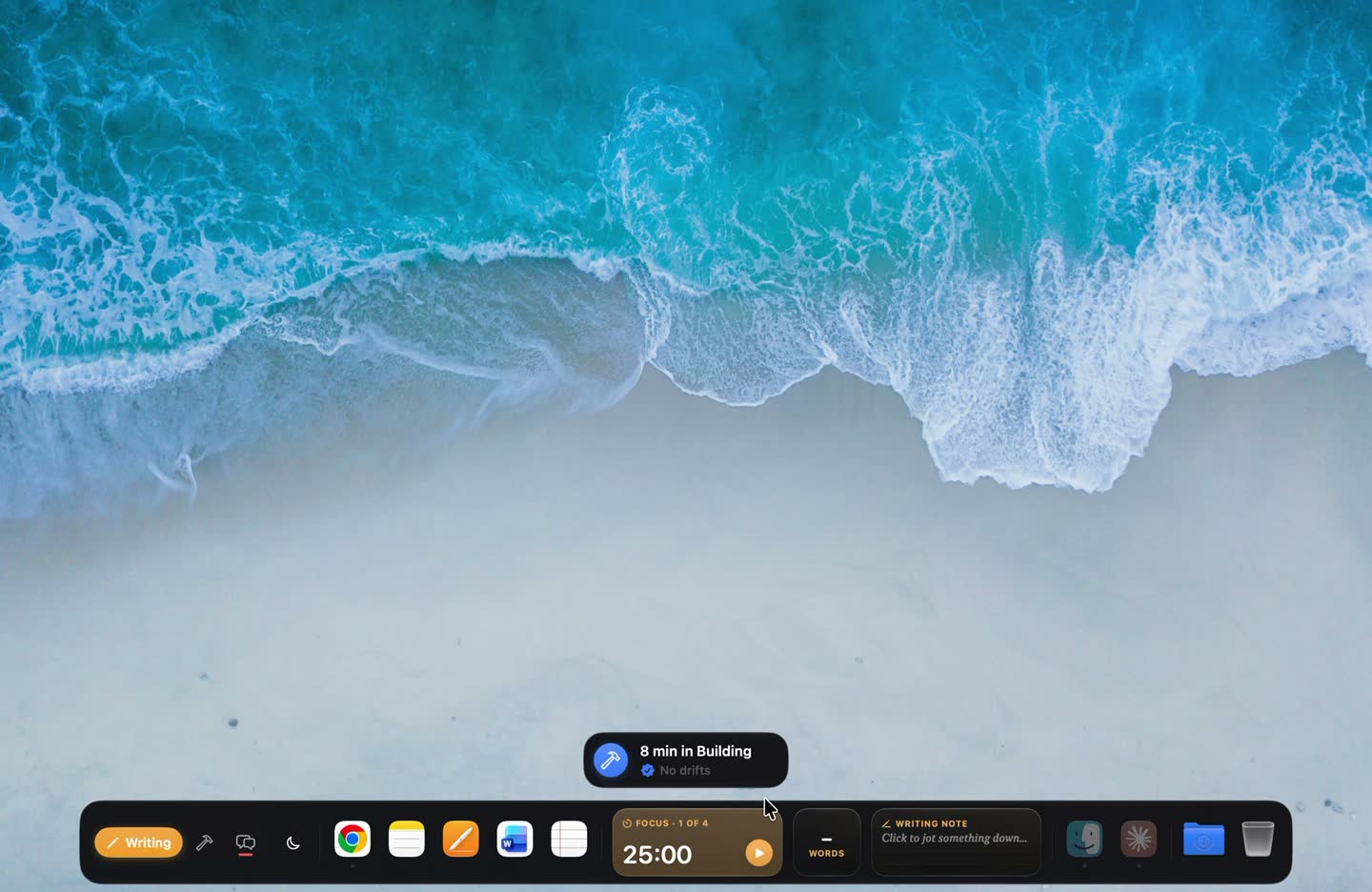
One dock per kind of work.
A dock for each kind of work, with its own apps, sites and widgets.
Learn more ›
Stay or switch
Friction, not walls.
A pause before you drift: Stay in one click, or switch after a short wait.
Learn more ›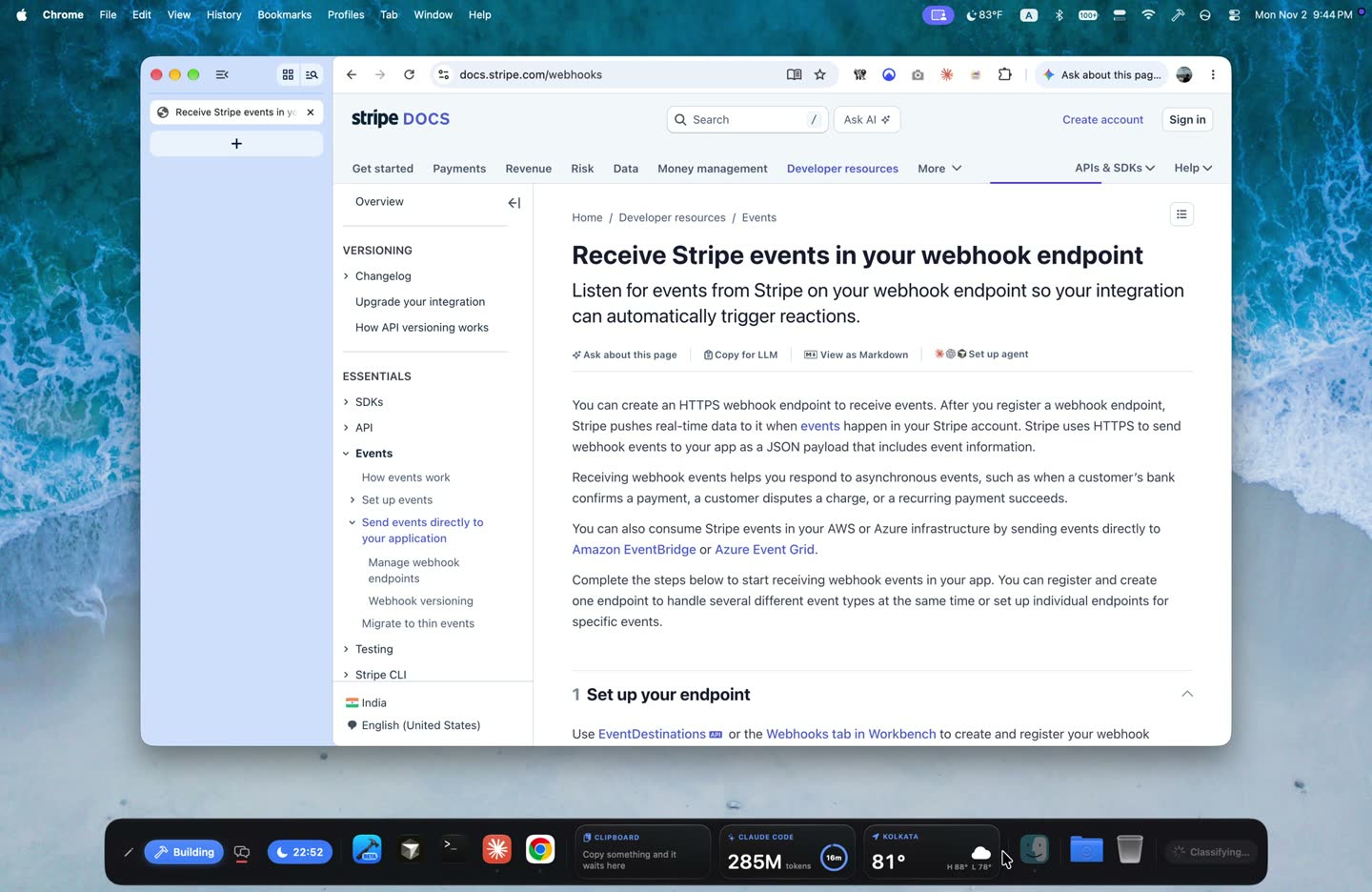
On-device AI
“Fits Building · API docs.”
Apple’s on-device model judges whether what you opened fits your mode.
Learn more ›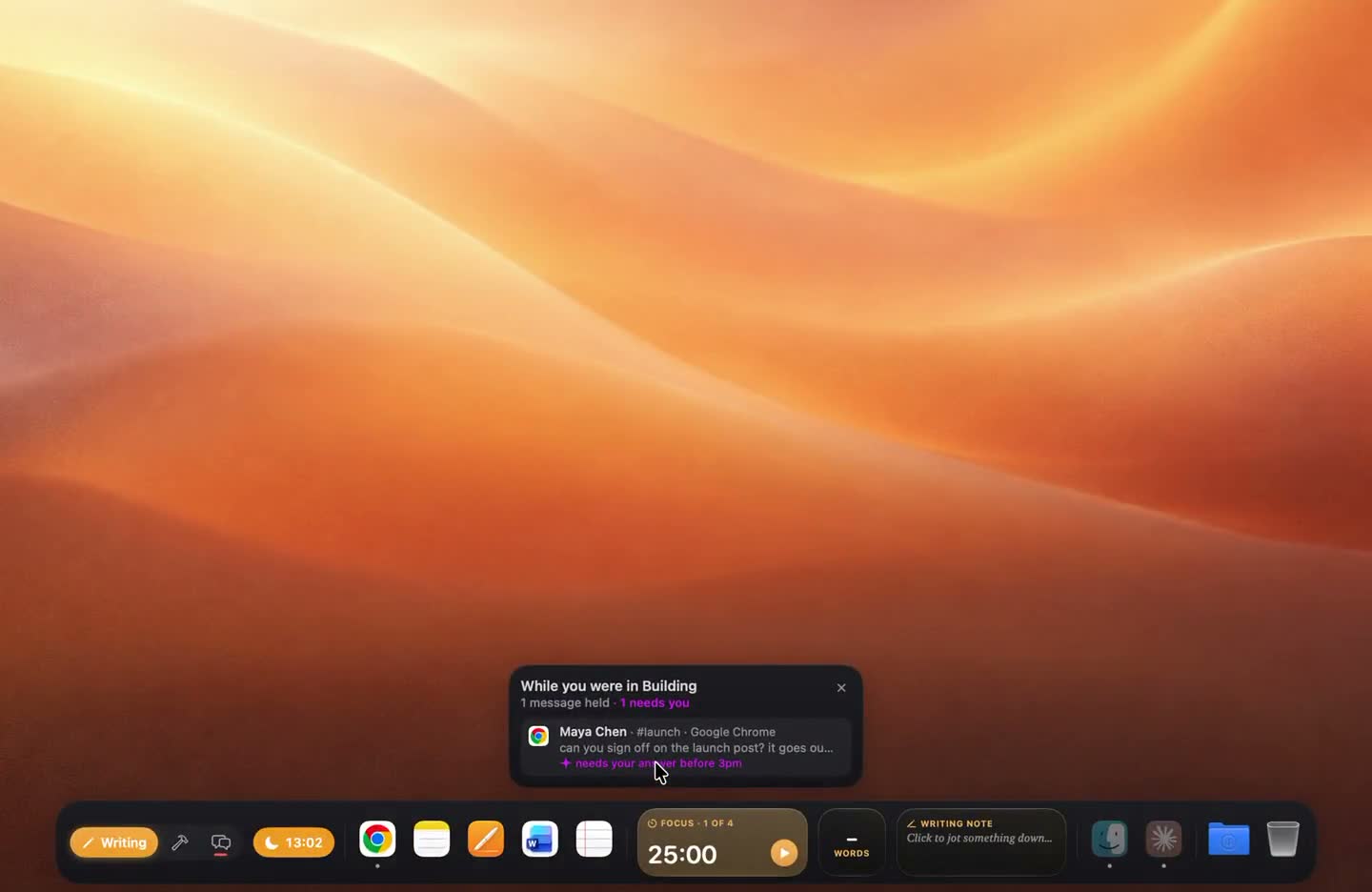
Notification pen
Messages wait. You don’t.
Off-mode notifications wait in the pen; you get one digest when you switch.
Learn more ›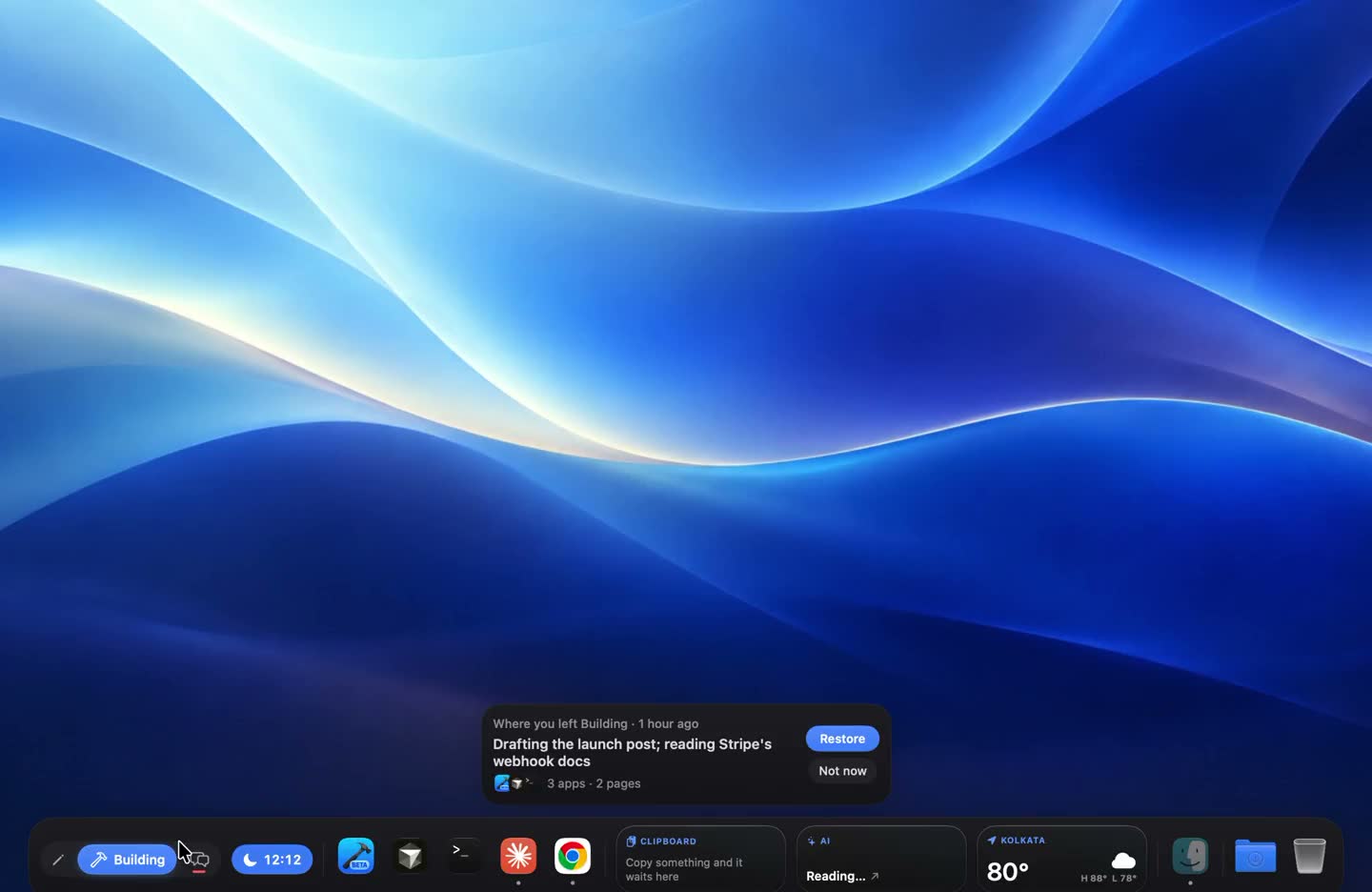
Where was I
Come back to exactly where you left.
Leave a mode, come back, and pick up exactly where you were.
Learn more ›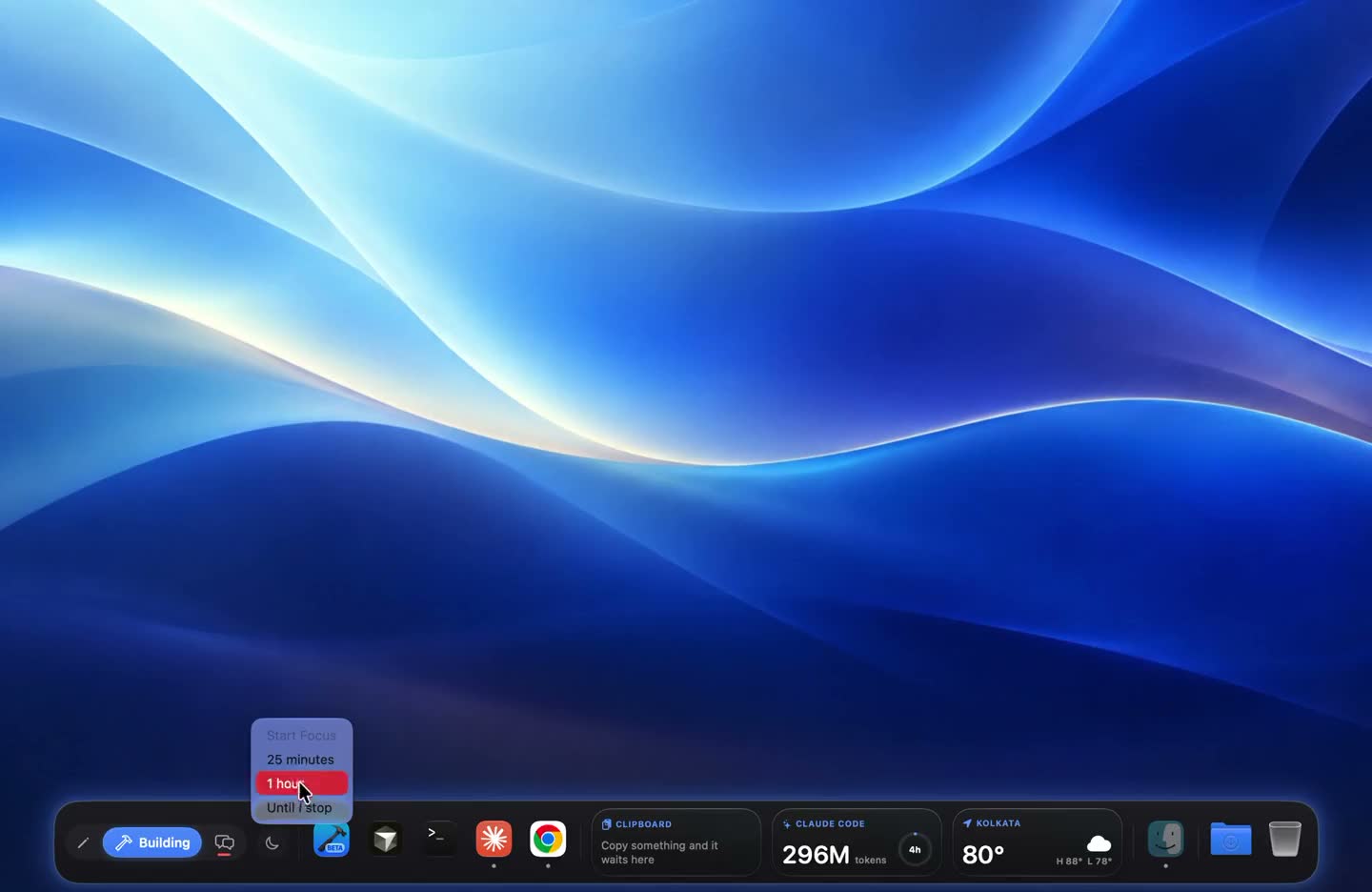
Focus
Turn the dock into a focus tool.
Focus sessions, daily drift budgets, a glowing dock and a recap when you leave.
Learn more ›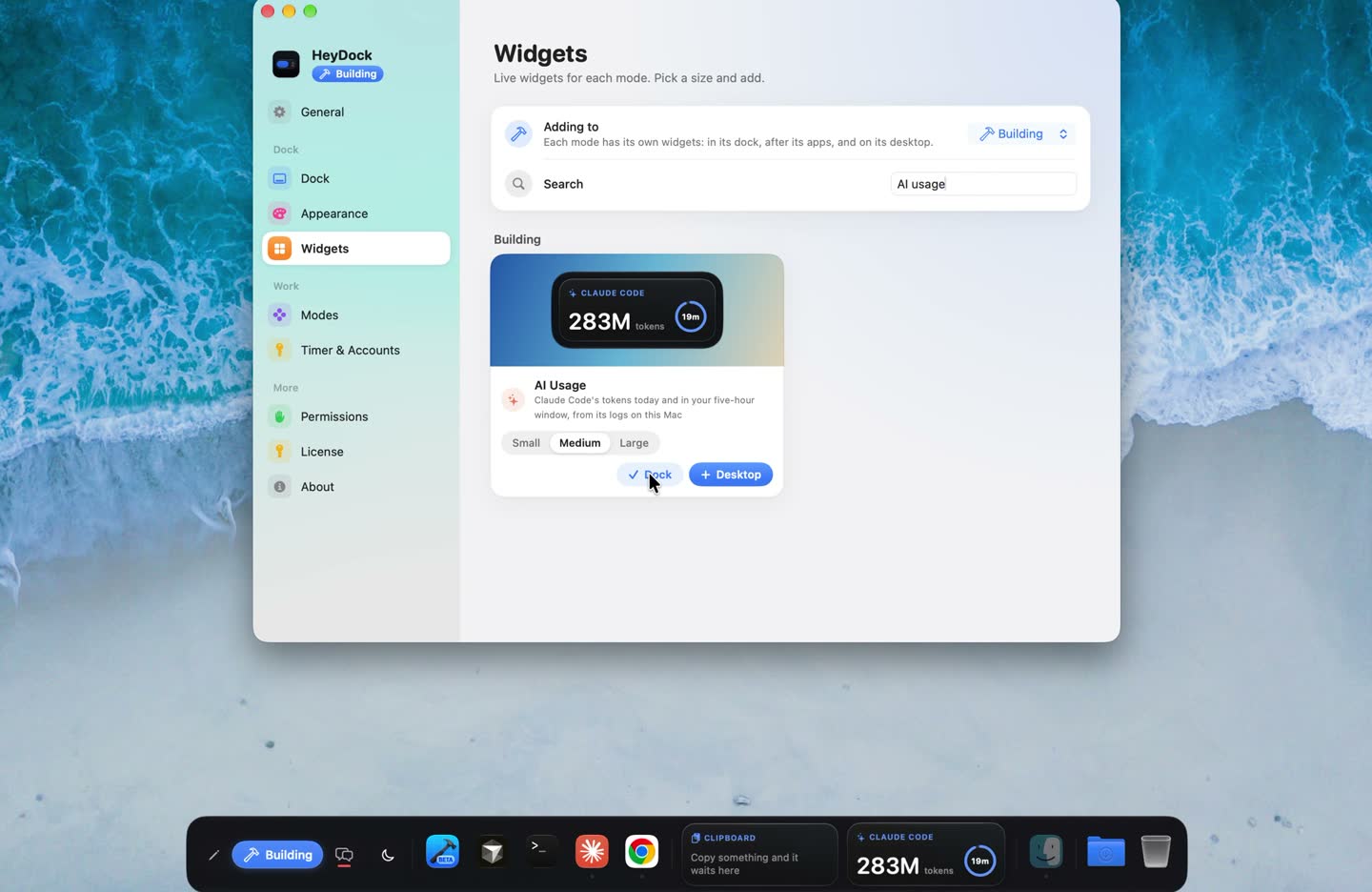
Widgets
Every mode brings its own desk.
Thirty live widgets in the dock or on the desktop, set per mode.
Learn more ›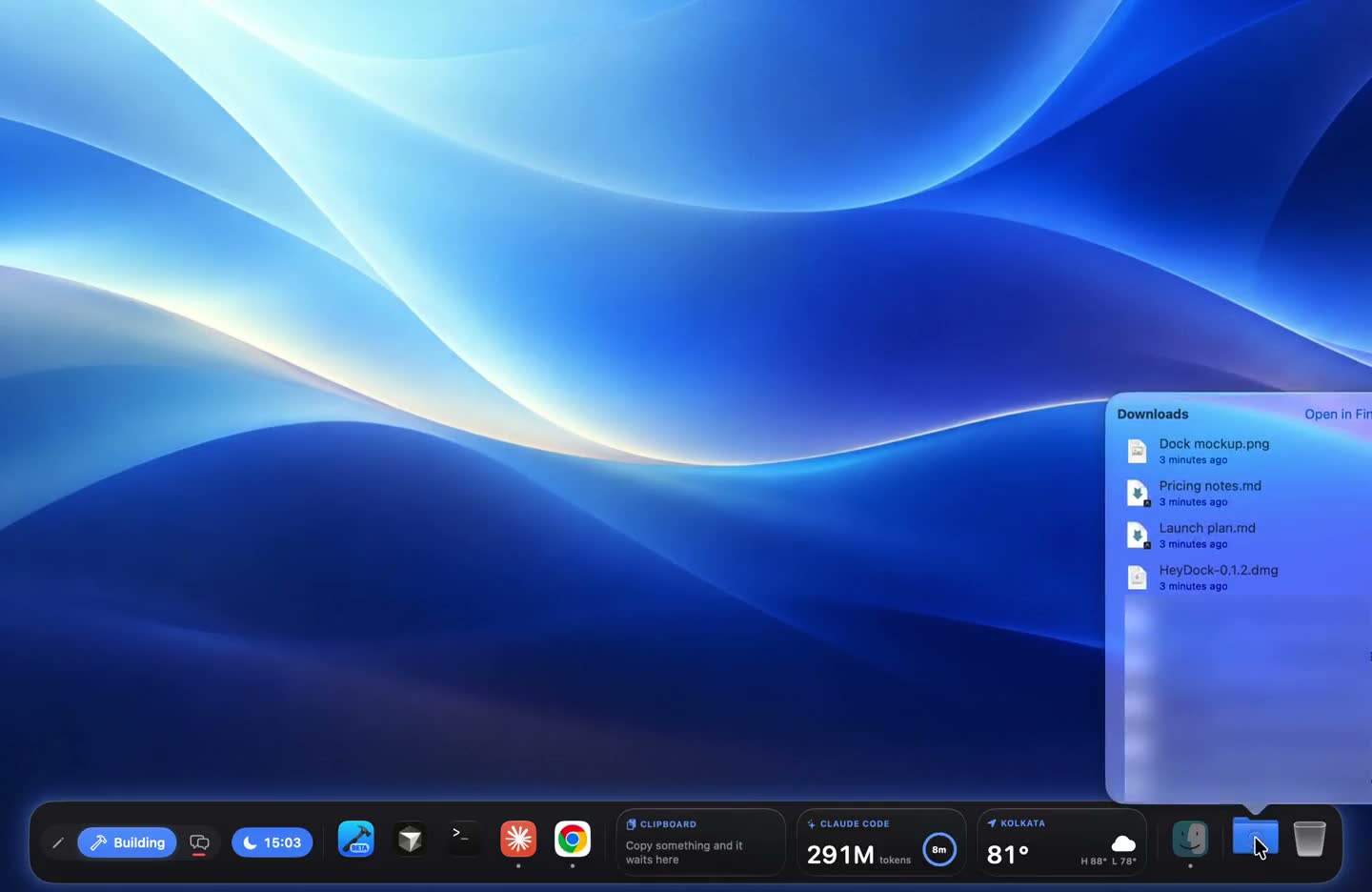
Replace the macOS Dock
A real dock, not a second one.
Hide Apple’s Dock; HeyDock brings Downloads, Trash, badges and previews.
Learn more ›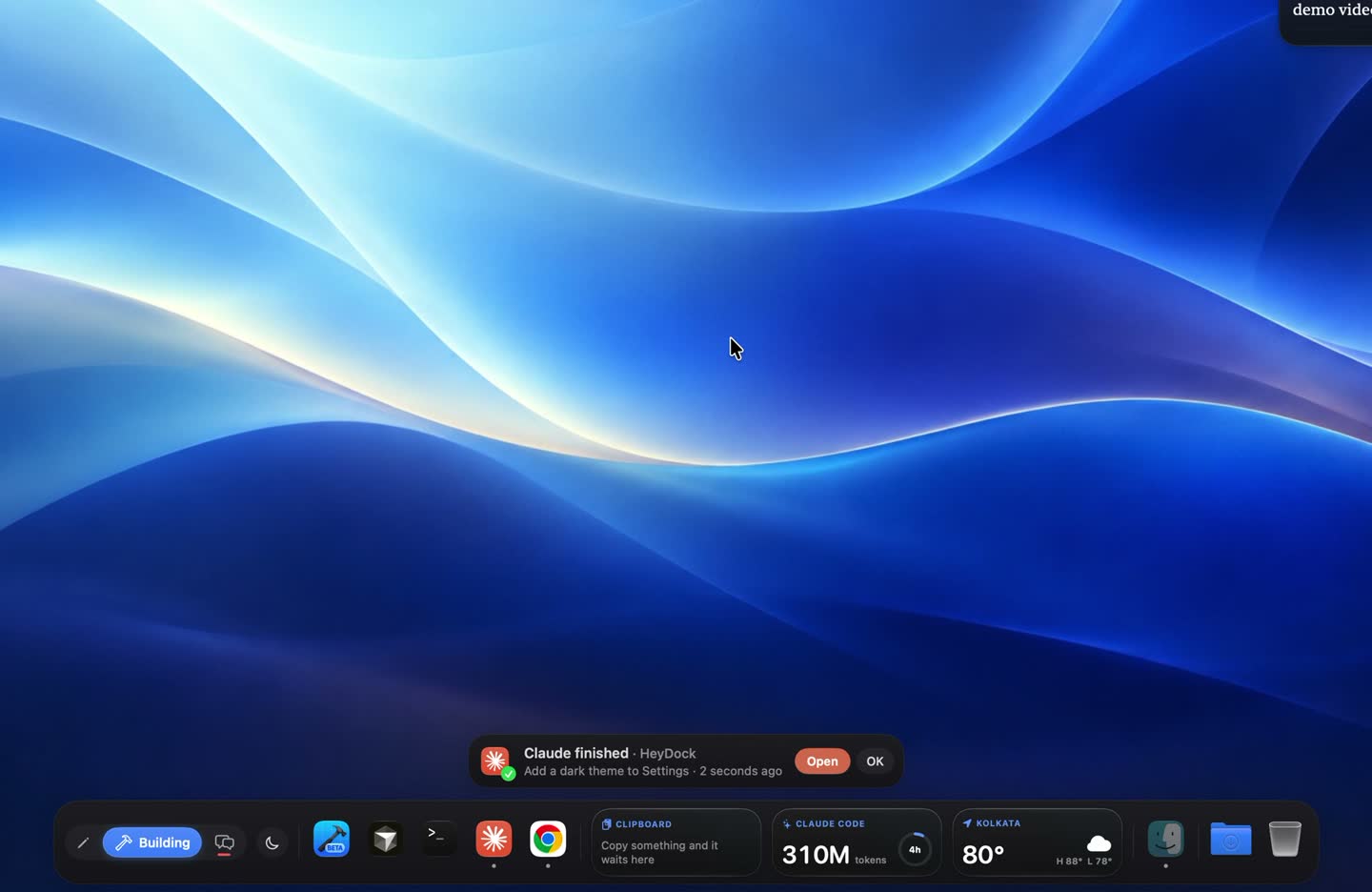
Claude Code
Stop checking on Claude.
A card when Claude Code finishes, and an AI usage widget.
Learn more ›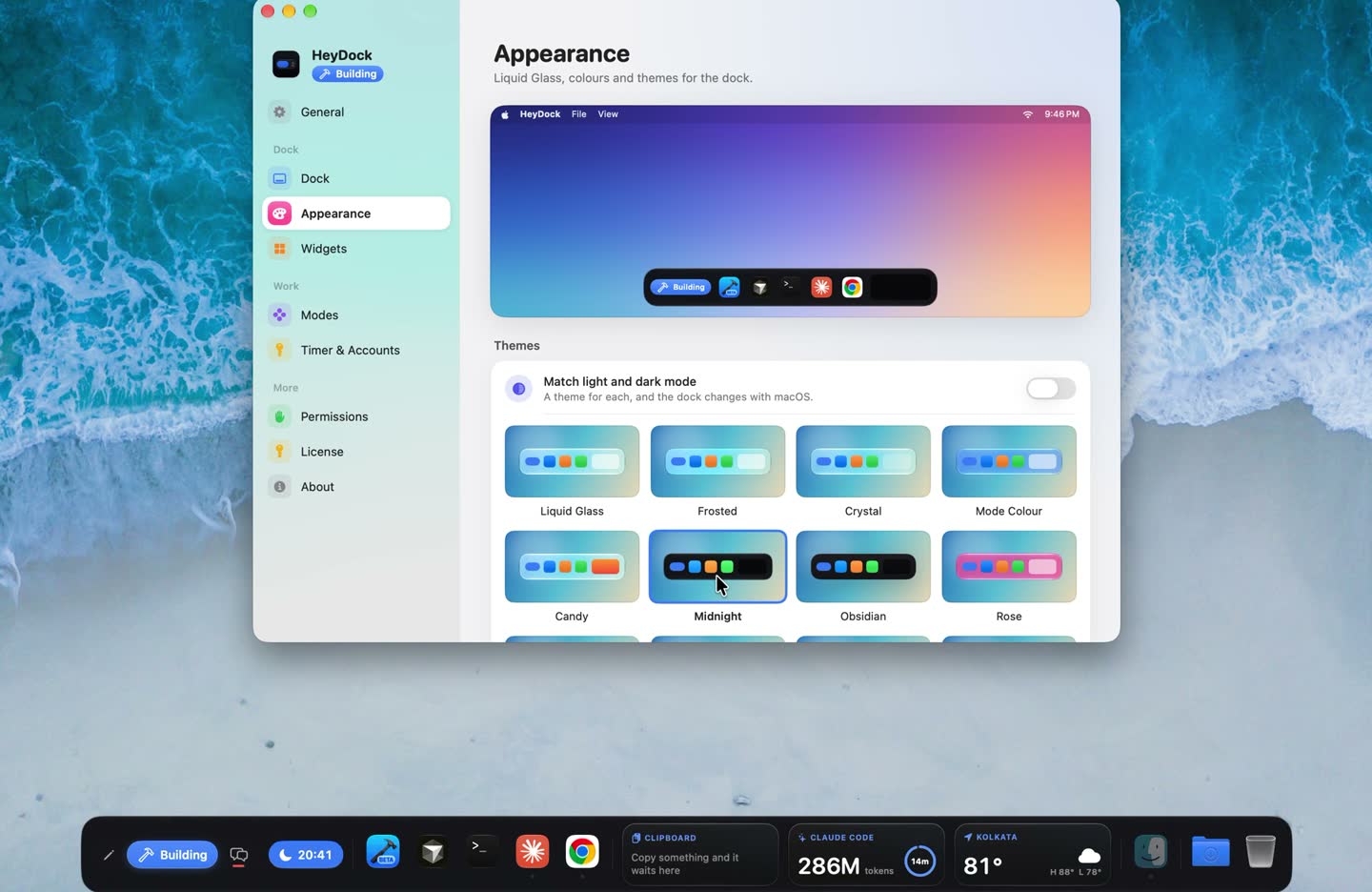
Appearance
Make the dock yours.
Twelve themes, four kinds of glass, any tint, and mode wallpapers.
Learn more ›